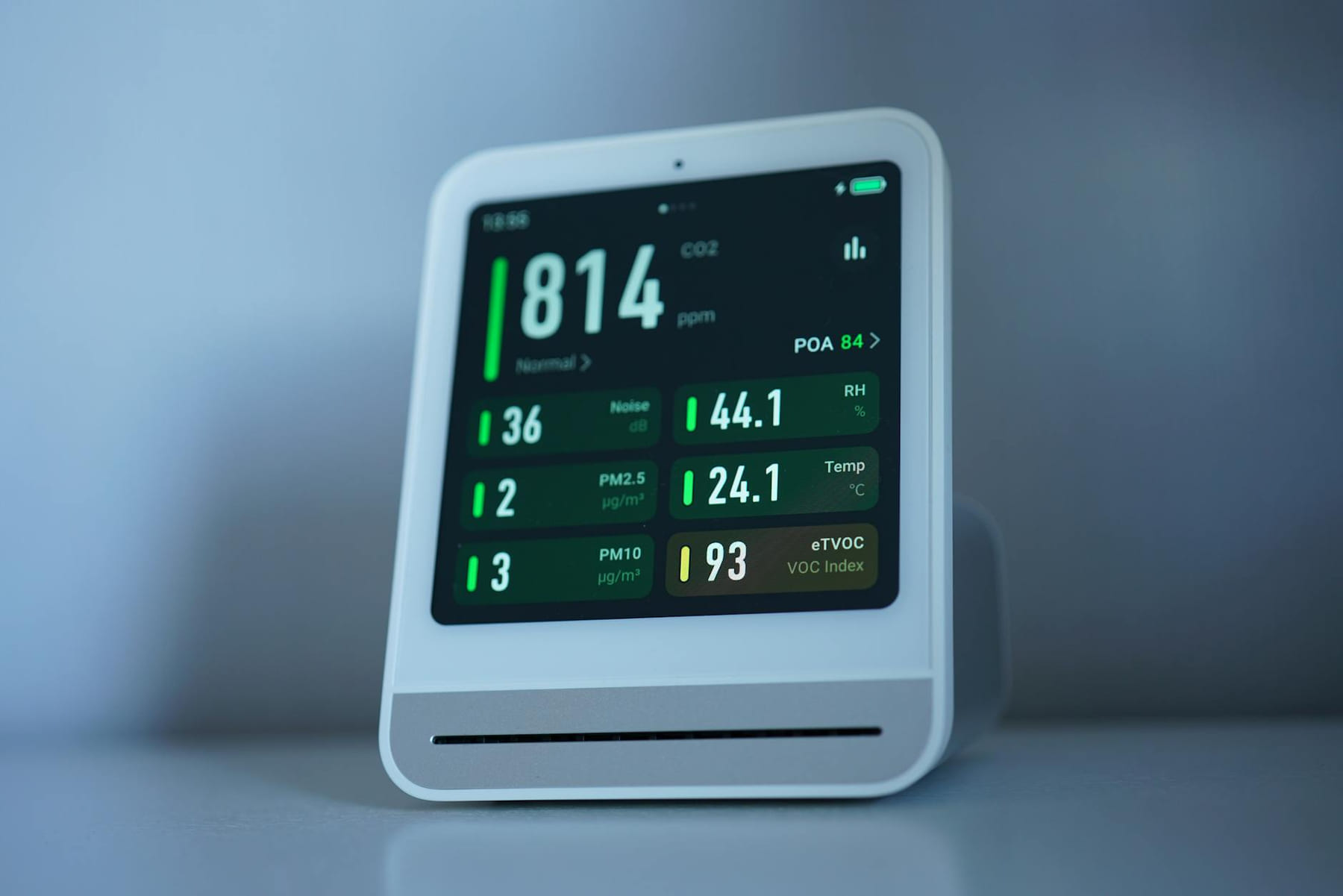
Let’s be honest, the idea of a smart home - lights that dim on their own, a thermostat that seems to know exactly when you’re coming home, and a security system keeping a watchful eye - sounds pretty amazing. But the thought of spending hundreds, maybe even thousands, on all the tech can feel…well, a little overwhelming. It’s a feeling a lot of people share. Thankfully, building a smart home doesn’t require a trust fund. There’s a whole range of affordable smart home gadgets out there, designed to make your life easier and more convenient without breaking the bank. This article is here to answer your questions, bust some common myths, and show you how to get started.
What Exactly Are Budget Smart Home Gadgets?
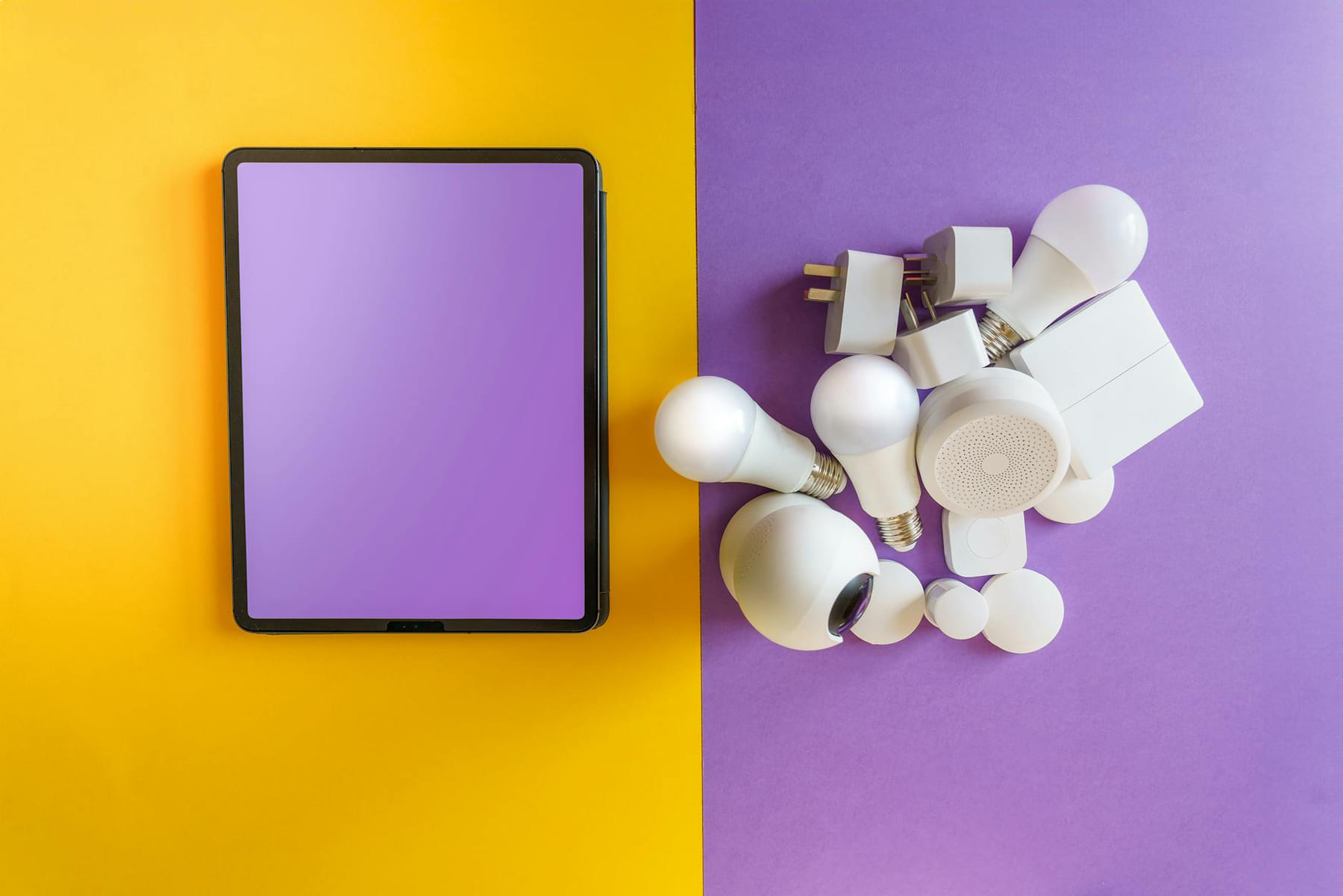
When we talk about “budget smart home gadgets,” we’re talking about devices that give you smart home functionality without the premium price tag of brands like Philips Hue or Nest. These aren’t necessarily inferior - they often do the same basic things - but they tend to cut back on fancy features, high-end materials, and the big marketing budgets. You’re trading a little bit of polish for a whole lot of affordability. Let’s look at some everyday examples. Smart plugs, for instance, are incredibly cheap - often under $20 - and let you control almost anything plugged into them, from lamps to your coffee maker, right from your phone. Smart bulbs are similarly accessible, starting around $15 for a single bulb. Then there are simple voice assistants like the Amazon Echo Dot or Google Nest Mini, which act as the brains of your smart home and usually cost around $30 to $50. Entry-level security sensors - those little door and window contacts and motion detectors - can be found for under $30 each. And, of course, there are budget-friendly smart thermostats like the TP-Link Kasa Smart Thermostat, offering energy-saving features at a fraction of the cost of a top-of-the-line model. The key is realizing you don’t need everything all at once. It’s about figuring out what will actually make a difference in your life. The difference really boils down to priorities. High-end smart home tech often boasts features like geofencing (automatically adjusting your thermostat based on where you are) and seamless integration with multiple systems. Budget options focus on the essentials: remote control, scheduling, and basic automation. And honestly, for most people, “good enough” is perfectly fine. Focusing on what actually works for you, rather than chasing every little detail, is a smart move when you’re just starting out.
Reliability and Value - Are They Worth It?
A common question when considering budget gadgets is, understandably, about quality. You might think, “If it’s cheap, it must be flimsy and unreliable.” That’s a valid thought, but it’s not always the case. Brands like TP-Link, Wyze, and Meross have really stepped up their game in recent years. They consistently deliver solid performance and decent build quality for the price. Don’t just take my word for it, though. Before you buy anything, always read customer reviews. Websites like Amazon and Reddit can offer valuable insights from real people’s experiences. Also, check the warranty information - a longer warranty generally means the manufacturer has more confidence in their product. Finally, remember that “good enough” is perfectly acceptable. You’re buying a tool to make your life a little easier, not a museum-quality piece of tech.
Getting Started - Cost and Ecosystems
Let’s talk about the bottom line. You can realistically get started with a basic smart home setup for around $50 to $200, depending on what you're aiming for. A starter kit might include a smart plug, a few smart bulbs, and a voice assistant. That’s a surprisingly affordable way to dip your toes into the world of smart home automation. Now, let’s consider the “ecosystems” - the platforms that connect all your devices. The three main players are Google Home, Amazon Alexa, and Apple HomeKit. Google Home and Amazon Alexa are generally the most affordable and easiest to set up, with a huge range of compatible devices. Apple HomeKit is a bit more selective about which devices it works with, but it offers strong privacy features and works really well if you’re already invested in the Apple ecosystem. It’s worth noting that devices aren’t always perfectly compatible across these systems. For example, a Wyze camera might work great with Alexa but require a little extra setup to work with Google Home.
Compatibility and Security - Making it Work & Staying Safe
Smart home technology relies on communication - essentially, the way devices talk to each other. You’ll often hear terms like Wi-Fi, Zigbee, and Z-Wave. Wi-Fi is the most common, using your existing home network. Zigbee and Z-Wave are mesh networking protocols that create a more reliable and robust connection, especially in larger homes. They require a small hub, but often offer better range and less interference. To make sure your devices work together, look for products that support the same communication method. A smart bulb that uses Zigbee won’t automatically connect to a smart plug that uses Wi-Fi. Regarding security, it’s important to be aware that smart devices can be vulnerable to hacking, and your data privacy is a real concern. The best practices here are simple: use strong, unique passwords for all your devices, enable two-factor authentication whenever possible, and keep your devices updated with the latest software - manufacturers regularly release updates to patch security holes.
FAQs - Deep Dive
- Smart plugs - are they really worth it? Absolutely. They’re fantastic for automating tasks - turning on lights at sunset, starting your coffee maker automatically - and for controlling things remotely. They can also give you insights into your energy usage, helping you spot energy-hogging appliances.
- Smart bulbs - how long do they last? Most smart bulbs have a lifespan of around 25,000 hours, which is way longer than traditional incandescent bulbs. but it’s still a good idea to check the manufacturer’s warranty.
- Can I integrate my older appliances? It can be tricky. Many older appliances don’t have Wi-Fi or smart capabilities. You’ll likely need a smart plug or a device that can mimic a regular switch to control them.
- What about voice assistants? If you’re new to smart home automation, starting with a voice assistant like Alexa or Google Assistant is a great way to get familiar with the technology. They provide a central control point for everything.
Conclusion
Building a smart home doesn’t have to be a huge investment. Budget smart home gadgets are readily available, offer a surprising amount of functionality, and can genuinely make your daily life a little easier. It’s about taking small, manageable steps and figuring out what’s truly important to you. Don’t feel pressured to buy everything at once. Start with a few key devices, experiment, and gradually expand your smart home as you get more comfortable. Ready to give it a try? Explore some affordable options and start building a smarter, more convenient life today. the recommendations below
Keep This Practical
The strongest home-tech upgrades are usually the ones you notice every day. Focus on reliability, simple setup, and whether the change genuinely makes the house easier to live in.
Tools Worth A Look
The recommendations here work best when you want practical home upgrades, not more device clutter.
- 142 IN 1 Professional Computer Repair Tool KitMinoston Smart PlugNetro Pixie Smart Hose Faucet Timer, WiFi, Solar Powered, Weather Aware, White, Compatible with AlexaMini Projector with WiFi and Bluetooth, Portable Projector 4k 1080P Support 5w Sound Base Speaker, 170 ANSI, Android 11Apple Watch SE 3 [GPS 40mm] Smartwatch with Midnight Aluminum Case with Midnight Sport Band
Some of the links on this page are Amazon affiliate links, which means I may earn a small commission if you make a purchase through them. As an Amazon Associate, I earn from qualifying purchases.
Related ReadingMore from Affordable Smart Living
Smart Home Savings: Step-by-Step
Step 1: Assess Your Energy Consumption - Know Where You're Losing Energy (Step-by-Step): Smart Home Savings: Step-by-Step: Energy-Saving Gadgets: A Step...
Smart Home Energy: Common Mistakes
Smart Home Energy can be easier to approach when you start with a few practical basics. * Compatibility Conflicts: You buy a smart plug, connect it to your voice.
Smart Home Savings: Easy Energy Wins
Energy-Saving Gadgets & Best Practices Smart Home can be easier to approach when you start with a few practical basics. Why Focus on Energy-Saving Gadge...