DIY Integration - Automating Your Life
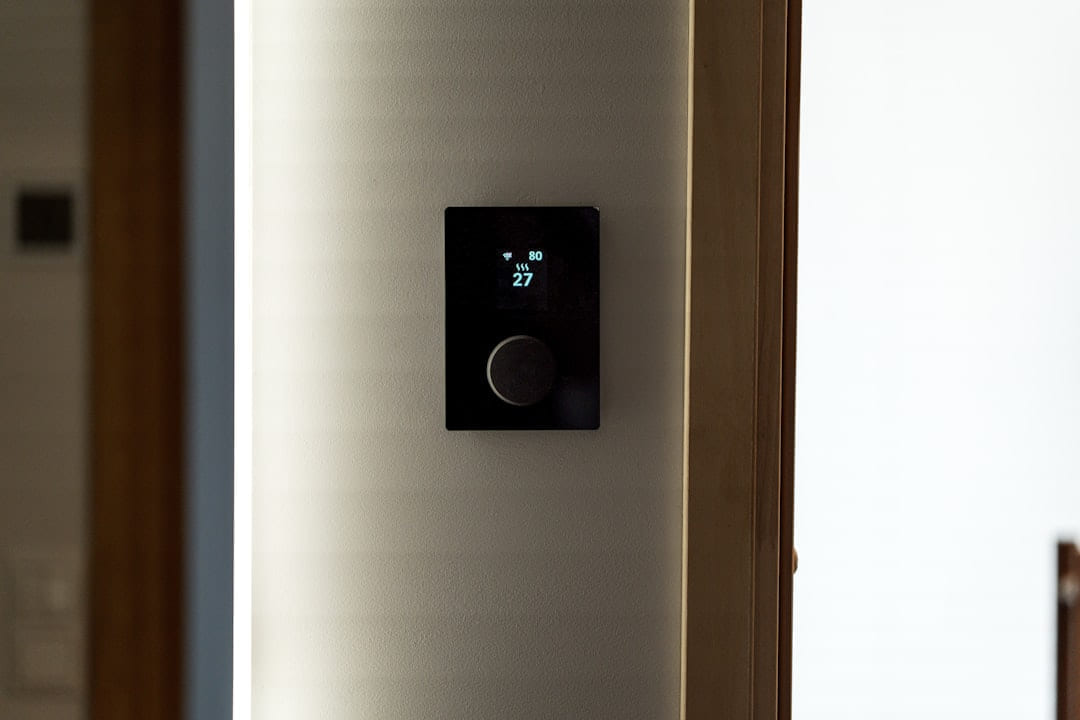
Okay, so you’ve got your devices. Now what? This is where things get interesting. The real power of a DIY smart home comes from automating tasks. There are a couple of tools that make this surprisingly easy: IFTTT (If This Then That) and Node-RED. IFTTT is a web-based service that lets you create simple “applets” - triggers that automatically do something else. Node-RED is a more advanced visual programming tool, but it’s also free and incredibly powerful. Let's look at a couple of simple recipes. First, “Sunset Lighting.” You can set up an IFTTT applet that automatically turns on your living room lights when the sun sets. Or, you could use Node-RED to create a more complex rule that adjusts the brightness of the lights based on the time of day. Another useful automation is “Occupancy-Based Thermostat Adjustment.” This involves setting up a motion sensor. When the sensor detects that a room is empty, the thermostat automatically lowers the temperature. You can achieve this with IFTTT or Node-RED, depending on your comfort level. You’ll find plenty of tutorials online for both tools - they’re much easier to learn than you might think. (I’ve linked a helpful Node-RED tutorial here: )
Security First - Protecting Your Smart Home
Smart home devices are convenient, but they also introduce potential security risks. It’s crucial to take steps to protect your system. First and foremost: use strong, unique passwords for everything. Seriously, don’t use “password123.” Also, enable two-factor authentication wherever possible. This adds an extra layer of security, requiring a code from your phone in addition to your password. Finally, consider network segmentation. This means creating a separate network for your smart home devices. This isolates them from your computers and other sensitive devices, limiting the potential damage if one of your devices is compromised. It’s not the most complex thing to set up, and it’s well worth the effort.
Troubleshooting & Future-Proofing
Things will go wrong. Wi-Fi drops, automation errors, and connectivity problems are all part of the smart home experience. Don’t panic! Start by restarting the device in question. If that doesn’t work, check your internet connection. As you expand your smart home, you’ll likely want to add more sensors - motion sensors, temperature sensors, and even water leak detectors. Energy monitoring systems can also help you identify areas where you can save money. And as technology evolves, you'll probably want to consider integrations with solar panel monitoring or other smart devices.
Start with what you will actually use
With Smart Home Simplicity: DIY Automation Tips, the first question is usually not which option looks best on paper. It is which part will make day-to-day life easier, smoother, or cheaper once the novelty wears off.
A lot of options sound great until you picture them in a normal week. If the setup is fussy, the routine is easy to forget, or the maintenance is annoying, the appeal fades quickly.
There is also value in keeping one part of the process deliberately simple. Readers often do better when they identify the one decision that carries the most weight and make that choice carefully before they chase smaller optimizations. That keeps momentum steady and usually prevents the topic from turning into clutter.
What tends to get overlooked
Tradeoffs are normal here. Cost, convenience, upkeep, and flexibility do not always line up neatly, so it helps to decide which tradeoff matters least to you before you commit.
This usually gets easier once you make a short list of priorities. A tighter list tends to produce better decisions than trying to solve every possible problem at once.
Another useful filter is asking what you would still recommend if the budget got tighter, the schedule got busier, or the setup had to be easier for someone else to manage. The answers to that question usually reveal which advice is durable and which advice only works under ideal conditions.
How to keep the setup simple
If you want Smart Home Simplicity: DIY Automation Tips to hold up over time, choose the version you can actually maintain. That can mean spending less, leaving out an attractive extra, or simplifying the setup so it fits ordinary life.
The version that holds up best is usually the one you can live with on an ordinary day. That often matters more than the version that only feels good when you have extra time, energy, or money.
That is why the best next step is often a modest one with a clear upside. You want something specific enough to act on, flexible enough to adjust, and practical enough that you would still recommend it after the first burst of enthusiasm fades.
Costs that show up later
You do not need the flashiest answer here. You need the one that fits your space, budget, and routine well enough that you will still feel good about it after the first week.
In a topic like Budget smart home gadgets, manageable almost always beats impressive. If something is simple enough to keep using, it is usually doing more real work for you.
Readers usually get better results when they treat advice as something to test and refine, not something to obey perfectly. That mindset creates room for real judgment, which is often the difference between content that sounds smart and guidance that is actually useful.
What is worth skipping
It is easy to underestimate how much clarity comes from removing one unnecessary layer. In practice, trimming one complication often does more for Smart Home Simplicity: DIY Automation Tips than adding one more feature, one more product, or one more clever workaround.
The options that age well are usually the ones that are easy to repeat. Reliability and low hassle often matter more than the most impressive-looking feature list.
When you are deciding what to do next, aim for the option that reduces friction and gives you a clearer read on what matters most. That is usually how Smart Home Simplicity: DIY Automation Tips becomes more useful instead of more complicated.
A realistic next step
If this topic still feels crowded or overcomplicated, that is usually a sign to narrow the decision, not a sign that you need more noise. One careful adjustment, followed by honest observation, tends to teach more than another round of abstract tips.
A grounded next step is usually better than a dramatic one. Pick one realistic change, see how it works in normal life, and let that result guide the next decision.
Leave a little room to adjust as you go. A setup that works in one budget range, season, or routine might need a small change later, and that is usually normal rather than a sign you got it wrong.
Conclusion
Building a DIY smart home doesn’t have to be a daunting or expensive project. By starting with a few key devices, choosing the right platform, and focusing on simple automations, you can create a system that’s both convenient and affordable. Don’t try to do everything at once - start small, experiment, and gradually build your smart home over time. There are some really helpful communities online where you can get support and inspiration - check out the Home Assistant forums: .
Keep This Practical
The strongest home-tech upgrades are usually the ones you notice every day. Focus on reliability, simple setup, and whether the change genuinely makes the house easier to live in.
Tools Worth A Look
The recommendations here work best when you want practical home upgrades, not more device clutter.
- Bitvae Upgraded Tooth Brush Holder for Bathroom 2.0, Infrared Sensing Toothbrush CleanerSmart Wireless Charging Table Lamp, Multifunctional Bluetooth Speaker & Alarm ClockBathroom Toothbrush Holder, Labelable with User Name, Multi-Slot Toothbrush CleanerDAKboard CPU Mini - DIY Smart Home Display, Shared Family Calendar & Organizer with to-Dos & Digital PhotosKinter MA170+ 2-Channel Auto Home Cycle Arcade DIY 2 x 18 W Mini Amplifier Bass Treble RCA Input Audio Mini Amplifier with 12V 3A Power Supply Black
Some of the links on this page are Amazon affiliate links, which means I may earn a small commission if you make a purchase through them. As an Amazon Associate, I earn from qualifying purchases.
Related ReadingMore from Affordable Smart Living
Smart Home on a Budget: Your DIY Start
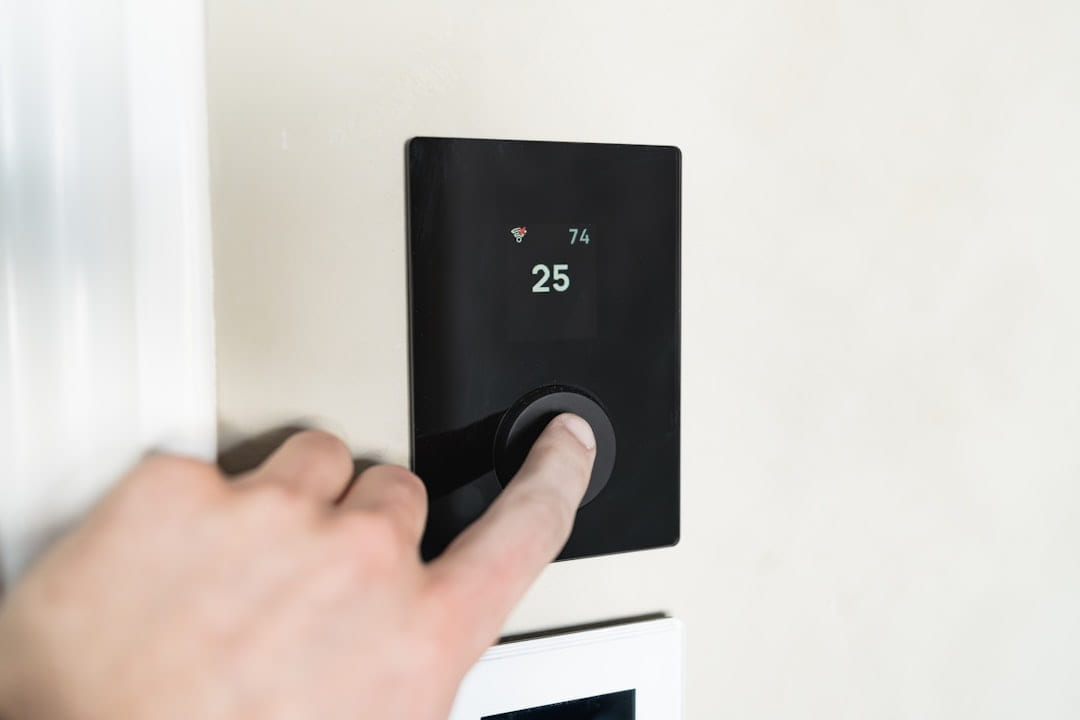
Smart Home on a Budget: Plugs: Speaking of plugs, the Wyze Plug is consistently popular for a reason. It’s reliable, easy to set up, and super affordable.
DIY Smart Home FAQs: Get Started Now
The options that age well are usually the ones that are easy to repeat. Reliability and low hassle often matter more than the most impressive-looking feature list.
DIY Smart Home: Your Checklist Starts Here
is easier to make sense of when you break it down into the part that matters most first. Instead of chasing every option at once, it usually helps to focus on what.