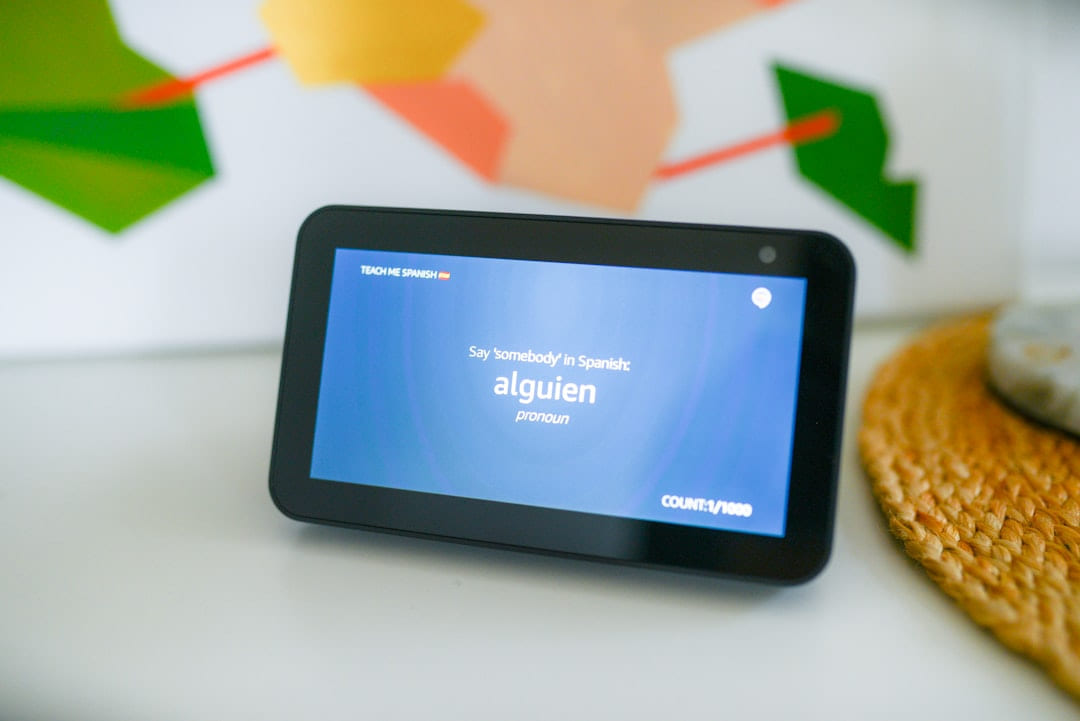
For Easy Smart Home Tech, the practical goal is to connect the idea to choices that fit your time, budget, and comfort level.
Building a Smart Home on a Budget: Your 2026 Guide Feeling like the smart home revolution is happening around you while you’re stuck with a dusty old light switch? You’re not alone. The idea of automating your life with smart gadgets can feel overwhelming, especially when you’re looking at prices that seem to climb higher every year. But trust me, building a genuinely useful and comfortable smart home doesn’t require emptying your bank account. In 2026, you can absolutely create a connected living space for under $150 per device - and that’s a pretty good deal. this post is all about making that happen, step-by-step, for beginners. Let’s explore how to get started.
Top 5 Beginner-Friendly Gadgets
Let’s start with the basics. These five gadgets are incredibly easy to set up, affordable, and can make a noticeable difference in your daily life. Smart Plugs: Think of these as remote control switches for anything that plugs in. A smart plug lets you turn lamps, fans, coffee makers - basically anything - on or off with your phone or voice. TP-Link Kasa and Amazon Smart Plugs are both solid choices, typically costing between $20-$35. The key feature is the simple on/off control and scheduling options - perfect for automating morning coffee or evening lights. Smart Bulbs: Replacing your old bulbs with smart bulbs opens up a world of color and convenience. Philips Hue White Ambiance bulbs (around $30-$50) offer adjustable brightness and a range of white tones, while Sengled Smart Bulbs ($15-$25) are a great budget-friendly alternative. They’re fantastic for creating different moods and even syncing with music. Smart Thermostat: Saving energy is a big win, and a smart thermostat makes it easier than ever. Honeywell Home T9 ($80-$120) is a popular choice, offering remote control and learning capabilities. The Ecobee Lite ($130-$180) is a good option if you’re on a tighter budget and prioritize simple temperature control. Even a small reduction in your energy bill adds up over time. Voice Assistant: You’ll need a way to control all these gadgets. Amazon Echo Dot (5th Gen - around $50) and Google Nest Mini ($50) are the reigning champions. They both offer voice control, music streaming, and can connect to all sorts of smart devices. The choice often comes down to your preferred ecosystem - Alexa is still incredibly widespread, while Google Assistant is getting better at understanding natural language. * Smart Security Camera: Peace of mind is priceless. Wyze Cam v3 ($35-$45) and Blink Mini ($30-$40) are both excellent, affordable options for keeping an eye on your home. They offer motion detection and cloud storage (some plans are free, others require a subscription). Don’t feel like you need a fancy, high-resolution camera to start - these basic models do a surprisingly good job. (Comparison Table - Simplified)
| Gadget | Price Range | Key Features |
|---|---|---|
| Smart Plug | $20-$35 | Remote Control, Scheduling |
| Smart Bulb | $15-$50 | Color, Dimming |
| Smart Thermostat | $80-$180 | Remote Control, Learning |
| Voice Assistant | $50 | Voice Control, Ecosystem |
| Security Camera | $30-$45 | Motion Detection, Cloud |
Setting Up Your First Smart Device - It’s Easier Than You Think
Okay, you’ve picked your first gadget. Now what? The good news is, most of these devices are incredibly easy to set up. Here's a simplified breakdown: 1. Downloading the App: Almost every smart device requires you to review its companion app. For Amazon Echo and Google Nest, you’ll review the Alexa app or Google Home app, respectively. These apps guide you through the initial setup process. 2. Connecting to Wi-Fi: This is usually the trickiest part, but it’s rarely complicated. The app will walk you through connecting the device to your home Wi-Fi network. Make sure you’re using a strong Wi-Fi signal - dead zones can cause connectivity problems. 3. Voice Assistant Integration: Once the device is connected to your Wi-Fi, you can link it to your voice assistant. In the Alexa or Google Home app, you’ll find an option to “Discover Devices” or “Add Device.” The app will then scan for nearby devices and guide you through the linking process. 4. Troubleshooting: If you run into trouble, start by restarting your router. Seriously, it fixes a surprising number of connectivity issues. Also, double-check that the device is within range of your Wi-Fi signal.
Best Practices for Smart Home Security & Privacy - Don't Be a Sitting Target
- Password Security: This is critical. Don’t use "password123" or your pet’s name. Create strong, unique passwords for every device and account. A password manager can be a huge help.
- Two-Factor Authentication: Enable two-factor authentication whenever possible. This adds an extra layer of security by requiring a code from your phone in addition to your password.
- Privacy Settings: Take the time to explore the privacy settings within each app and device. Adjust settings to limit data collection and control what information is shared.
- Network Security: Secure your home Wi-Fi network with a strong password and enable WPA3 encryption (if your router supports it).
Creating Smart Routines - Automate Your Daily Life
- Examples: “Good Morning” - turns on the lights, starts the coffee maker, and plays your favorite news station. “Movie Night” - dims the lights, closes the smart blinds, and turns on the TV. “Leaving Home” - turns off all the lights, lowers the thermostat, and arms the security camera.
- How to Create: The process varies slightly depending on the voice assistant you're using, but it’s generally straightforward. You’ll create a routine within the Alexa or Google Home app and then add the desired actions.
Integrating Devices & Future Trends - What’s Next?
Right now, Alexa and Google Assistant are the dominant players in the smart home space. Alexa has a wider range of compatible devices, while Google Assistant is getting better at understanding natural language. The move towards “Matter” compatibility is something to watch - it’s a new standard designed to make it easier to connect devices from different manufacturers. Looking ahead, we’re likely to see more affordable energy-saving smart devices (like smart plugs for appliances) and more sophisticated sensors that can monitor everything from air quality to water leaks.
Conclusion
Building a budget-friendly smart home in 2026 is absolutely achievable. It doesn’t have to be a huge, expensive undertaking. Start with a few key gadgets, focus on ease of use, and gradually expand your system over time. Don’t get bogged down in trying to automate everything - start with the things that will genuinely improve your life. And don’t forget to explore our affiliate partnerships for potential deals - .
Keep This Practical
Smart-home decisions get easier when you solve one friction point at a time. Start with the device or routine that would save you the most hassle this week, then expand only after it proves useful.
Tools Worth A Look
If you are trying to make a home-tech decision with less guesswork, the products below are the closest fit for that goal.
- Mini Projector with WiFi and Bluetooth, 4k Support Portable Outdoor Projector, Smart Projector with Android, Built-in App Movie ProyectorQuntis RGB Pro+ Monitor Light Bar with Remote, 15 Modes Gaming Backlight, 4 Colors & Brightness Dimmable FronlightSmart Watch for Women Men, Smartwatch for iPhone & Android Bluetooth (Answer/Call) Built-in Alexa, 1.91" HD Fitness TrackerApple Watch SE 3 [GPS 40mm] Smartwatch with Midnight Aluminum Case with Midnight Sport BandHandheld Vacuum Cordless Rechargeable 2-Speed Modes 3-in-1 Portable Cordless Vacuum Cleaner
Some of the links on this page are Amazon affiliate links, which means I may earn a small commission if you make a purchase through them. As an Amazon Associate, I earn from qualifying purchases.
Related ReadingMore from Affordable Smart Living

Smart Home Gadgets: A Budget-Friendly FAQ
Building a Smart Home Without the Sticker Shock Let’s be honest, the idea of a “smart home” used to feel a little overwhelming. Visions of expensive hubs.
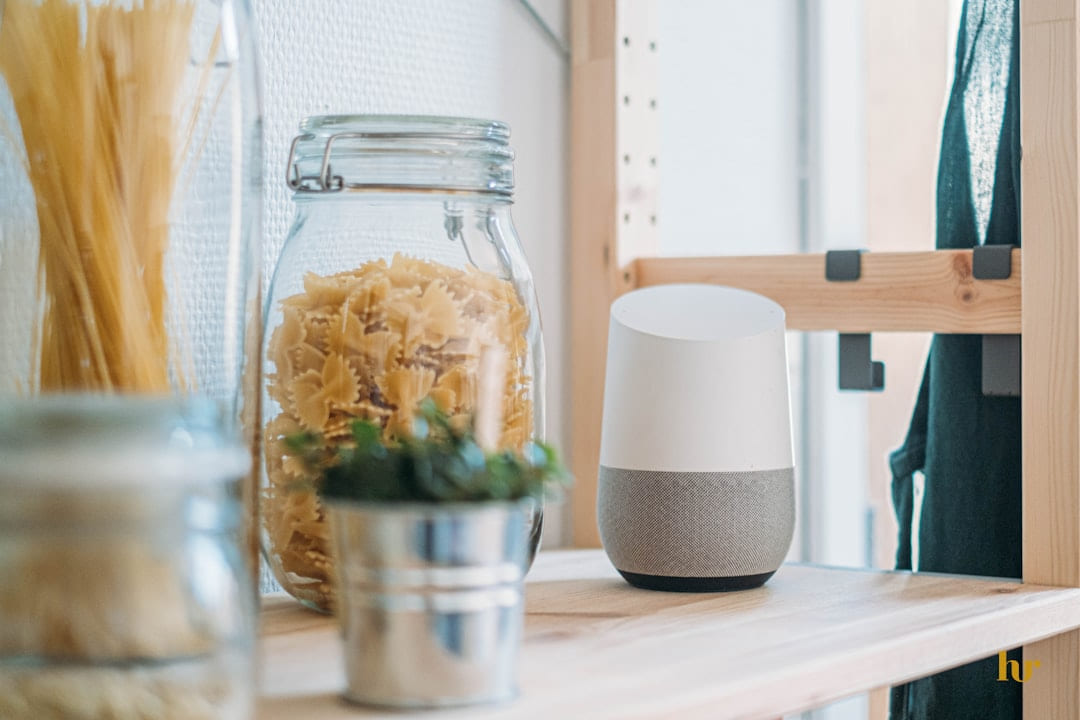
Smart Home Savings: Simple Gadget Guide
Building a Smarter Home - Without Breaking the Bank It’s 2026, and the idea of a “smart home” used to feel…well, a little intimidating. Visions of complex setups.
Simple Smart Home: A Beginner's Guide
Once you’ve tackled the basics, you can start exploring other smart home gadgets. Smart thermostats, smart speakers, and even smart kitchen appliances are all.