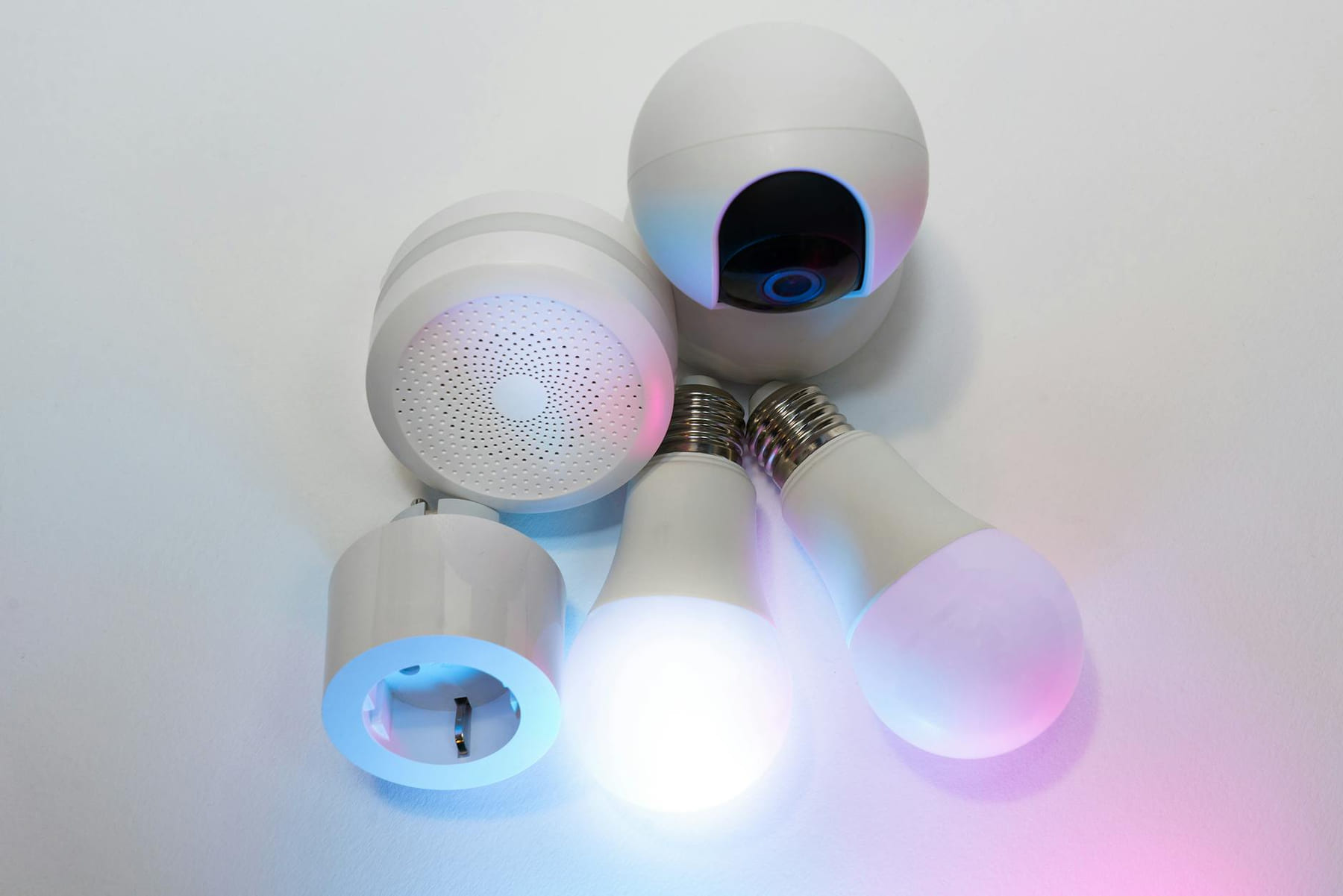
Budget Smart Home Gadgets Mistakes to Avoid - Build a Smarter Home Without Breaking the Bank
Smart Thermostat: ($80 - $150) - Compatibility is King
A smart thermostat is a fantastic investment for energy savings, but it’s also one of the most frequently installed devices that causes problems. A smart thermostat can definitely save you money on your energy bills, but do your research to make sure it works with your existing heating and cooling system. Older homes, particularly those with less common HVAC systems, might require a more expensive adapter or even a completely new thermostat. Before you buy, check the thermostat’s compatibility with your system’s voltage and wiring. Many popular models, like the Nest Thermostat and Ecobee, offer detailed compatibility checkers on their websites. Also, consider features beyond just remote control - learning thermostats that adapt to your schedule can be incredibly effective, but they often come with a higher price tag. A simpler, programmable thermostat can be a perfectly acceptable and cost-effective alternative. Don't assume that because a thermostat looks smart, it is smart for your home.
Basic Security Cameras: ($30 - $75) - Local Storage is Your Friend
For simple home security, a basic indoor camera can give you peace of mind. These cameras are increasingly affordable, with many models now costing under $50. Look for models that let you store video locally, either on a microSD card or through a local network storage device (NAS). This is crucial because relying solely on cloud storage means you’re dependent on a subscription and vulnerable to data breaches. Many cameras offer both cloud and local storage options, allowing you to choose the best balance of convenience and security. Pay attention to features like motion detection, night vision, and two-way audio. Don’t get bogged down in complex features you won’t use - a simple, reliable camera that covers key areas is often more effective than a high-tech device you rarely interact with. Wyze cameras are consistently a popular and affordable choice for basic indoor surveillance.
The Hidden Costs of Smart Home Ecosystems
Beyond the initial cost of the gadgets themselves, there are often hidden costs associated with building a smart home. This is where many people stumble. Here’s what to watch out for:
- Subscription Fees: Many smart devices require a monthly subscription for features like cloud storage, advanced analytics, or voice assistant integration. Read the fine print carefully!
- Hubs: Some devices require a central hub to communicate with each other. These hubs can add to the overall cost and complexity. Consider whether a hub is truly necessary before purchasing.
- Interoperability Issues: Not all smart devices play nicely together. Devices from different brands may not always communicate seamlessly. Research compatibility before investing in a large number of devices. Matter, a new connectivity standard, is aiming to solve this problem, but it’s still early days.
- Installation Costs: While many smart devices are DIY-friendly, you may need professional help for more complex installations, such as wiring a smart thermostat.
Beyond the Basics: Expanding Your Smart Home
Once you’ve tackled the essentials, you can start exploring more advanced smart home gadgets. Here are a few ideas, keeping budget in mind:
- Smart Plugs: ($10 - $20) - Control lamps, fans, and other appliances remotely.
- Smart Door Locks: ($80 - $150) - Enhance security and convenience with keyless entry.
- Smart Lighting Strips: ($20 - $40) - Add ambiance and accent lighting to your home.
- Voice Assistants (Echo Dot, Google Nest Mini): ($30 - $50) - Control your smart devices with voice commands.
Pick the easiest win first
Most people get better results with Smart Home Savings: Common Mistakes when they narrow the decision to one real problem. That could be saving time, trimming cost, reducing friction, or making the routine easier to keep up.
This usually gets easier once you make a short list of priorities. A tighter list tends to produce better decisions than trying to solve every possible problem at once.
Another useful filter is asking what you would still recommend if the budget got tighter, the schedule got busier, or the setup had to be easier for someone else to manage. The answers to that question usually reveal which advice is durable and which advice only works under ideal conditions.
The tradeoff most people notice late
One common mistake with Smart Home Savings: Common Mistakes is expecting every option to solve the whole problem. In reality, some choices are better for convenience, some for reliability, and some simply for keeping the budget under control.
Before spending more, it is worth checking the setup, upkeep, and learning curve. Small hassles matter here because they are usually what decide whether something stays useful or gets ignored.
It is easy to underestimate how much clarity comes from removing one unnecessary layer. In practice, trimming one complication often does more for Smart Home Savings: Common Mistakes than adding one more feature, one more product, or one more clever workaround.
What makes this easier to live with
The options that age well are usually the ones that are easy to repeat. Reliability and low hassle often matter more than the most impressive-looking feature list.
In a topic like Budget smart home gadgets, manageable almost always beats impressive. If something is simple enough to keep using, it is usually doing more real work for you.
Readers usually get better results when they treat advice as something to test and refine, not something to obey perfectly. That mindset creates room for real judgment, which is often the difference between content that sounds smart and guidance that is actually useful.
How to avoid extra hassle
When you are deciding what to do next, aim for the option that reduces friction and gives you a clearer read on what matters most. That is usually how Smart Home Savings: Common Mistakes becomes more useful instead of more complicated.
Leave a little room to adjust as you go. A setup that works in one budget range, season, or routine might need a small change later, and that is usually normal rather than a sign you got it wrong.
If this topic still feels crowded or overcomplicated, that is usually a sign to narrow the decision, not a sign that you need more noise. One careful adjustment, followed by honest observation, tends to teach more than another round of abstract tips.
Final Thoughts
Building a smart home doesn’t have to drain your bank account. But it does require a little planning and a realistic outlook. Don’t get caught up in the hype - focus on solving problems that actually matter to you. Compatibility is key, subscription fees are something to watch out for, and data privacy is always a priority. Take your time, do your research, and start small. Begin with a few key devices that address your biggest needs, and gradually expand your smart home ecosystem as your budget allows. You’ll be surprised at how much a few well-chosen gadgets can make your home a little smarter - without emptying your wallet. Remember, a truly smart home is one that’s comfortable, convenient, and secure, not one that’s crammed with expensive, unnecessary gadgets.
Keep This Practical
A smarter home does not require a complicated rollout. Pick one practical automation, test it in real life, and keep the version that saves time without adding maintenance.
Tools Worth A Look
These picks are most useful if you want smart-home gear that earns its place through convenience, reliability, or easier setup.
- Handheld Vacuum Cordless Rechargeable 2-Speed Modes 3-in-1 Portable Cordless Vacuum CleanerIntelligent WiFi Circuit Breaker with Remote App Control and Voice Command IntegrationMini Projector with WiFi and Bluetooth, Portable Projector 4k 1080P Support 5w Sound Base Speaker, 170 ANSI, Android 11GoveeLife Door Window Sensor, Group Control Unlimited Devices, Wireless Mini Contact Sensor for Smart Home AutomationC04W RGBW LED Controller, Tuya WiFi 2.4G RF, 5Pin PWM for SMD FCOB Strip, APP & Voice Control, Compatible with Alexa Google Home
Some of the links on this page are Amazon affiliate links, which means I may earn a small commission if you make a purchase through them. As an Amazon Associate, I earn from qualifying purchases.
Related ReadingMore from Affordable Smart Living
Smart Home Savings: Step-by-Step
Step 1: Assess Your Energy Consumption - Know Where You're Losing Energy (Step-by-Step): Smart Home Savings: Step-by-Step: Energy-Saving Gadgets: A Step...
Smart Home Energy: Common Mistakes
Smart Home Energy can be easier to approach when you start with a few practical basics. * Compatibility Conflicts: You buy a smart plug, connect it to your voice.

Smart Home Savings: Easy Energy Wins
Energy-Saving Gadgets & Best Practices Smart Home can be easier to approach when you start with a few practical basics. Why Focus on Energy-Saving Gadge...