Smart Home can be easier to approach when you start with a few practical basics.
Building a Smarter Home Without Breaking the Bank: Your 2026 Guide Remember seeing those perfectly automated homes on Instagram? It can feel a little overwhelming, like you need a huge budget to even think about smart lights or a security system. But the truth is, creating a genuinely smarter home doesn’t have to cost a fortune. In 2026, with a bit of planning and a focus on smart choices, you can build a home that feels more convenient, efficient, and just a little bit cooler - all without spending a fortune. We’re talking budgets under $500 for a basic setup, and ideally, individual gadgets under $200. this post is about making that happen. Let’s dive in.Essential Starter Gadgets - The Foundation (Smart Home)
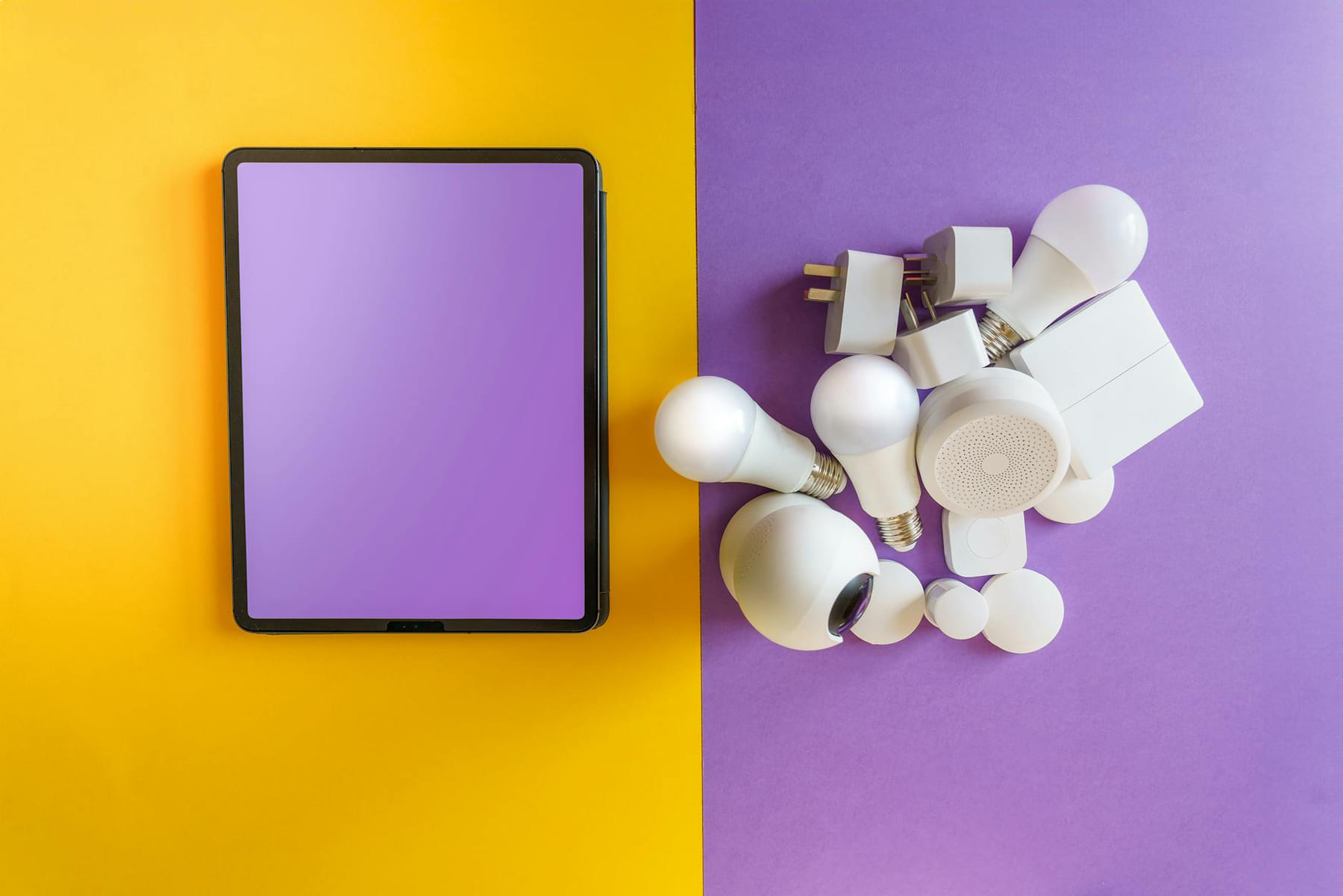
Let’s start with the basics. You don’t need a complicated system to see a real difference. These are the devices that offer the most value for your money: * Smart Plugs ($15 - $30 each): Seriously, these are game-changers. Imagine controlling your lamps, fans, coffee maker, or even your space heater, all from your phone. Plus, they’re surprisingly helpful for keeping track of how much energy your appliances are using - you might be surprised at how much “phantom power” they draw when they’re not actively being used.
- Smart Bulbs ($10 - $25 each): Color-changing bulbs are fun, of course, but even the basic dimming features of a smart bulb can make a big difference. You can create the perfect lighting for movie night or automatically dim the lights in the evening. Make sure they work well with your voice assistant.
- Voice Assistants (Echo Dot, Google Nest Mini) ($30 - $50): These are your central hubs. The Echo Dot and Google Nest Mini are consistently the most affordable options, and they’re incredibly easy to set up. They’re not about flashy features; they’re about simple voice commands - “Turn on the lights,” “Play some music,” “What’s the weather?” - and they do them reliably.
- Basic Smart Thermostat ($80 - $150): A programmable thermostat is a classic for a reason. You can schedule your heating and cooling to automatically adjust throughout the day, helping you save money on your energy bills. Don’t feel like you need all the bells and whistles - a simple, reliable model is usually all you need.
- (And yes, smart plugs are frequently used for appliance control - it’s a recurring theme!)
DIY Setup & Integration - It’s Easier Than You Think
Okay, you’ve got your gadgets. Now what? The good news is, setting up a smart home doesn’t require a computer science degree. Most devices are incredibly straightforward to connect. First, make sure you have a solid Wi-Fi network. Honestly, a weak Wi-Fi signal is the number one reason smart devices fail to connect properly. Take a few minutes to run a speed test and consider a Wi-Fi extender if needed. Connecting devices to Alexa or Google Home is usually pretty easy. review the app, follow the instructions, and you’ll be adding devices in minutes. The apps themselves are generally pretty intuitive - don’t be afraid to experiment and play around. If you run into connection problems, restarting the device and your router is almost always the first step.
Budget-Friendly Security - Peace of Mind Doesn’t Need a Big Budget
- Wyze Cameras ($35 - $60): These cameras consistently get good reviews for their value. They offer surprisingly good image quality for the price, and they’re easy to set up and use. They’re great for keeping an eye on your porch or driveway.
- Ring Doorbell (Entry-Level) ($70 - $120): You don’t need the most expensive Ring doorbell. The entry-level models provide motion detection, video recording, and a decent level of security.
- Motion Sensors ($20 - $40): Strategically placed motion sensors can alert you to unexpected activity. Think hallways, entryways, and areas near windows.
- (It’s worth remembering that data privacy is a key consideration when choosing a security device - always check the company’s privacy policy.)
Smart Entertainment - Streamlined and Simple
Let’s be honest, most of us spend a lot of time streaming movies and music. Adding a little smart to your entertainment setup is easy and affordable.
- Chromecast & Roku ($30 - $50): These streaming devices let you cast content from your phone or tablet to your TV. They’re compatible with a huge range of streaming services.
- Affordable Streaming Services: You don’t need to subscribe to every premium streaming service. Many offer ad-supported tiers that are significantly cheaper.
Energy Savings & Automation - Small Changes, Big Impact
- Smart Plugs for Appliance Control: Schedule your coffee maker to turn on at a specific time, or automatically turn off your space heater when you leave the room.
- Smart Thermostat Optimization: Experiment with different scheduling patterns to find what works best for your lifestyle. Even a few degrees difference can make a difference. (You could realistically save $50-$150 per year, depending on your climate and habits.)
Best Practices - Smart Shopping and Setup
- Start with Priorities: Don’t try to automate *everything* at once. Focus on the devices that will make the biggest difference in your daily life.
- Keep an Eye on Deals: Regularly check for seasonal sales and promotions - you can often find significant discounts on smart home gadgets.
- Consider Refurbished Options: Buying refurbished devices can be a great way to save money, and they often come with a warranty.
- Check for Compatibility: Before you buy a device, make sure it’s compatible with your existing smart home system.
Conclusion - Start Small, Smartly
Building a smart home doesn’t have to be a huge expense. By focusing on essential gadgets, embracing a DIY approach, and prioritizing value, you can create a home that’s more convenient, efficient, and enjoyable - without emptying your wallet. Start small, experiment, and gradually expand your smart home as your needs and budget evolve. Want a quick checklist to help you get started? the recommendations below
Keep This Practical
The strongest home-tech upgrades are usually the ones you notice every day. Focus on reliability, simple setup, and whether the change genuinely makes the house easier to live in.
Tools Worth A Look
The recommendations here work best when you want practical home upgrades, not more device clutter.
- 5GHz WiFi Light Bulb CamGoDear Design Airflow Sheer Adjustable Sliding Vertical Blinds, Cordless Trendy Door Blinds, Room Dividers, 45.8"- 86" W x 96" H, Extendable TrackElder Welder® Electrical Outlet Hidden Wall SafeAmazon Basics Dual Smart Plug with Motion Sensor and Night LightHOOBRO End Table with Charging Station, Narrow Side Table, Nightstand
Some of the links on this page are Amazon affiliate links, which means I may earn a small commission if you make a purchase through them. As an Amazon Associate, I earn from qualifying purchases.
Related ReadingMore from Affordable Smart Living
Smart Home Savings: Step-by-Step
Step 1: Assess Your Energy Consumption - Know Where You're Losing Energy (Step-by-Step): Smart Home Savings: Step-by-Step: Energy-Saving Gadgets: A Step...
Smart Home Energy: Common Mistakes
Smart Home Energy can be easier to approach when you start with a few practical basics. * Compatibility Conflicts: You buy a smart plug, connect it to your voice.
Smart Home Savings: Easy Energy Wins
Energy-Saving Gadgets & Best Practices Smart Home can be easier to approach when you start with a few practical basics. Why Focus on Energy-Saving Gadge...