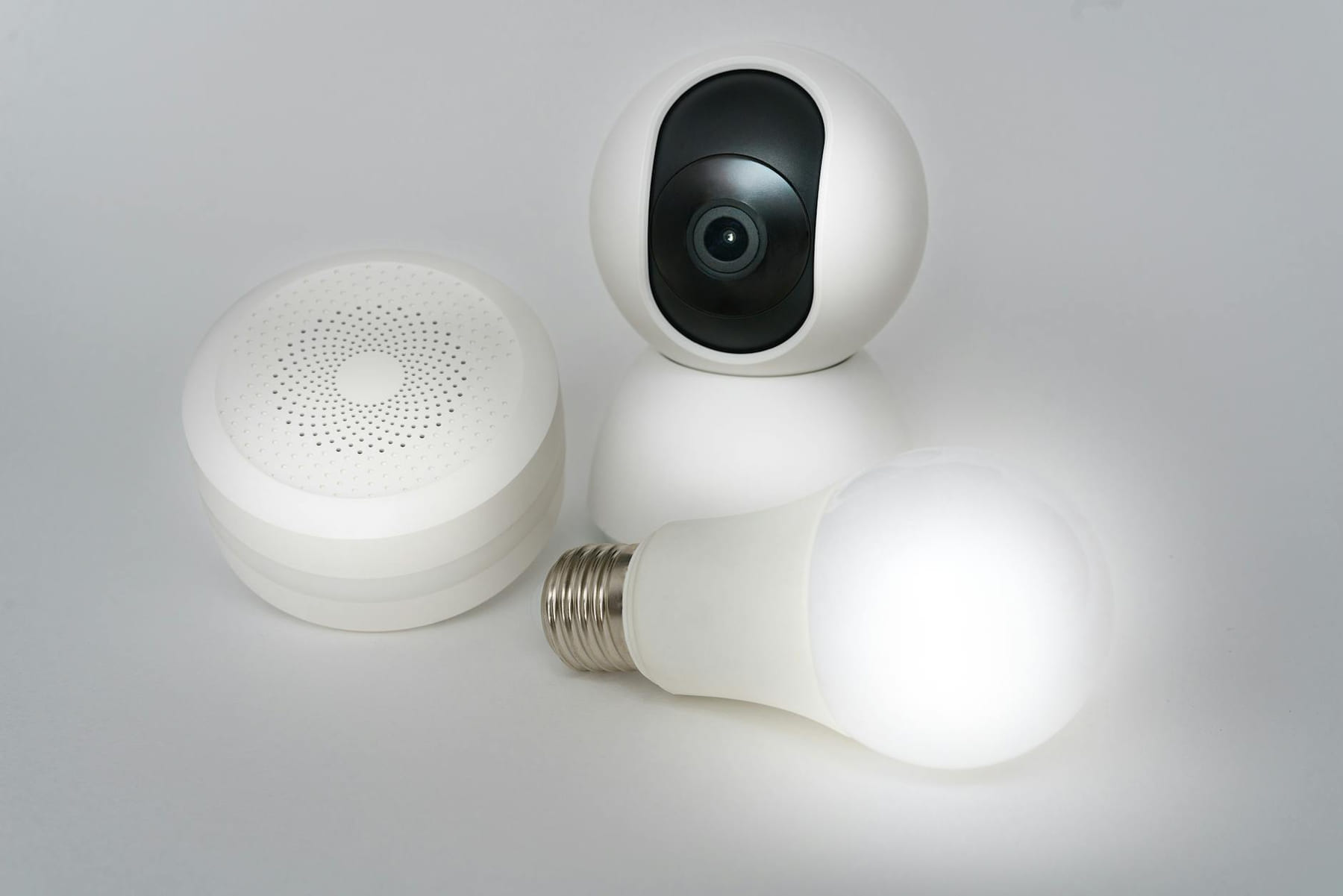
Automation Routines - Let Your Devices Work for You: This is where the real magic happens. Automation routines allow you to trigger multiple actions with a single command or schedule. Think of it as creating custom “scenes” for your home. A “Good Morning” routine could automatically turn on your bedroom lights to a soft, warm glow, start playing your favorite upbeat playlist on Spotify, and read you the latest weather forecast. An “Evening Routine” could dim the lights throughout the house, turn off the TV, lock the front door, and even adjust the thermostat to a cooler temperature - all with a single voice command or scheduled trigger.
Practical Tip: Start with a few simple routines and gradually build from there. Don’t try to automate everything at once. Experiment and find what works best for your lifestyle. Many voice assistants also offer pre-built routines that you can customize to your needs. For instance, you can create a "Movie Night" routine that dims the lights, turns on your TV, and pauses any active music.
Safety First: Securing Your Smart Home
Smart devices are undeniably convenient, but they also introduce potential security risks. Just like any connected device, they’re vulnerable to hacking and data breaches. It’s crucial to take a proactive approach to protect your home and your personal information. Don’t just plug and play - take a few minutes to implement these essential security measures:
- Strong Passwords Are a Must: Seriously, ditch the “password123.” Use long, unique passwords for *every* device and account. A password manager like LastPass or 1Password can be a huge help in generating and storing complex passwords securely.
- Two-Factor Authentication (2FA) is Your Friend: Enable 2FA wherever possible. This adds an extra layer of security by requiring a code from your phone in addition to your password. Even if someone manages to guess your password, they won’t be able to access your account without the verification code.
- Review Privacy Settings: Take a detailed look at the privacy settings for each of your devices. Understand what data they’re collecting (location, usage patterns, voice recordings, etc.) and how it’s being used. Adjust the settings to your comfort level. For example, you might disable location tracking for your smart thermostat or opt out of data sharing with third-party services.
- Keep Firmware Updated: Regularly check for and install firmware updates for all your smart devices. These updates often include security patches that address vulnerabilities.
Keeping Things Running Smoothly: Energy & Maintenance
Smart gadgets are fantastic, but they’re not magic. A little proactive maintenance and mindful usage will ensure they continue to function reliably and efficiently. Ignoring these aspects can lead to frustration and wasted energy.
- Use Them Wisely: Don’t leave lights on when you don’t need them. Many smart bulbs offer scheduling features that allow you to automatically turn off lights at specific times. Don’t let appliances draw power when they’re not in use - unplug chargers and appliances when they’re fully charged or not in use.
- Troubleshooting Basics: If a device isn’t connecting to your Wi-Fi or isn’t responding to commands, the first thing to try is restarting it. A simple reboot can often resolve connectivity issues. Also, double-check your Wi-Fi connection and ensure that your router is functioning properly.
- Care & Feeding: Treat your devices with respect. Clean them regularly - dust and debris can interfere with sensors and performance. Follow the manufacturer’s instructions for updates and software upgrades. Many smart devices have companion apps that provide firmware updates and troubleshooting tips.
- Mesh Wi-Fi Systems: In 2026, mesh Wi-Fi systems are becoming increasingly popular and affordable. These systems use multiple nodes to create a wider and more reliable Wi-Fi network, eliminating dead zones and improving the performance of your smart devices.
Start Small, Build Smart
Building a smart home doesn’t have to be a huge, expensive undertaking. It’s a gradual process of adding devices that address specific needs and improve your daily life. Start with one or two gadgets - perhaps a smart plug to control a lamp or a smart bulb to replace a traditional bulb - and gradually expand your smart home ecosystem as you become more comfortable with the technology. Focus on solving a specific problem or improving a particular aspect of your home, such as energy efficiency or security. Don’t feel pressured to buy everything at once. It’s a journey, not a race. Remember, the most effective smart homes are those that are thoughtfully designed and seamlessly integrated into your lifestyle.
Pick the easiest win first
Most people get better results with Smart Home Savings: Easy Ways to Save when they narrow the decision to one real problem. That could be saving time, trimming cost, reducing friction, or making the routine easier to keep up.
This usually gets easier once you make a short list of priorities. A tighter list tends to produce better decisions than trying to solve every possible problem at once.
Another useful filter is asking what you would still recommend if the budget got tighter, the schedule got busier, or the setup had to be easier for someone else to manage. The answers to that question usually reveal which advice is durable and which advice only works under ideal conditions.
The tradeoff most people notice late
One common mistake with Smart Home Savings: Easy Ways to Save is expecting every option to solve the whole problem. In reality, some choices are better for convenience, some for reliability, and some simply for keeping the budget under control.
Before spending more, it is worth checking the setup, upkeep, and learning curve. Small hassles matter here because they are usually what decide whether something stays useful or gets ignored.
It is easy to underestimate how much clarity comes from removing one unnecessary layer. In practice, trimming one complication often does more for Smart Home Savings: Easy Ways to Save than adding one more feature, one more product, or one more clever workaround.
What makes this easier to live with
The options that age well are usually the ones that are easy to repeat. Reliability and low hassle often matter more than the most impressive-looking feature list.
In a topic like Budget smart home gadgets, manageable almost always beats impressive. If something is simple enough to keep using, it is usually doing more real work for you.
Readers usually get better results when they treat advice as something to test and refine, not something to obey perfectly. That mindset creates room for real judgment, which is often the difference between content that sounds smart and guidance that is actually useful.
How to avoid extra hassle
When you are deciding what to do next, aim for the option that reduces friction and gives you a clearer read on what matters most. That is usually how Smart Home Savings: Easy Ways to Save becomes more useful instead of more complicated.
Leave a little room to adjust as you go. A setup that works in one budget range, season, or routine might need a small change later, and that is usually normal rather than a sign you got it wrong.
If this topic still feels crowded or overcomplicated, that is usually a sign to narrow the decision, not a sign that you need more noise. One careful adjustment, followed by honest observation, tends to teach more than another round of abstract tips.
Keep This Practical
Smart-home decisions get easier when you solve one friction point at a time. Start with the device or routine that would save you the most hassle this week, then expand only after it proves useful.
Tools Worth A Look
If you are trying to make a home-tech decision with less guesswork, the products below are the closest fit for that goal.
- Eujgoov Smart WiFi Electricity Meter Tracking Tuya APP Support Home Power Consumption Monitor Custom Scenarios Appliance AlertsFlume 2 Smart Home Water Monitor and Leak Detector – WiFi Connected, Real-Time Usage Tracking and Alerts – Works with Compatible Residential Water MetersSmart Power Meter Switch, Home Enery Monitor, Smart Home Switch Breaker for Allowin You To Track Device Power ConsumptionDAKboard CPU Mini - DIY Smart Home Display, Shared Family Calendar & Organizer with to-Dos & Digital PhotosTHIRDREALITY Smart Color Night Light, Matter Over WiFi, 3-1 Multi-Functionality, Work with SmartThings, Google Home, Apple Home, Alexa
Some of the links on this page are Amazon affiliate links, which means I may earn a small commission if you make a purchase through them. As an Amazon Associate, I earn from qualifying purchases.
Related ReadingMore from Affordable Smart Living

Smart Home Gadgets: A Budget-Friendly FAQ
Building a Smart Home Without the Sticker Shock Let’s be honest, the idea of a “smart home” used to feel a little overwhelming. Visions of expensive hubs.
Smart Home Savings: Simple Gadget Guide
Building a Smarter Home - Without Breaking the Bank It’s 2026, and the idea of a “smart home” used to feel…well, a little intimidating. Visions of complex setups.

Simple Smart Home: A Beginner's Guide
Once you’ve tackled the basics, you can start exploring other smart home gadgets. Smart thermostats, smart speakers, and even smart kitchen appliances are all.