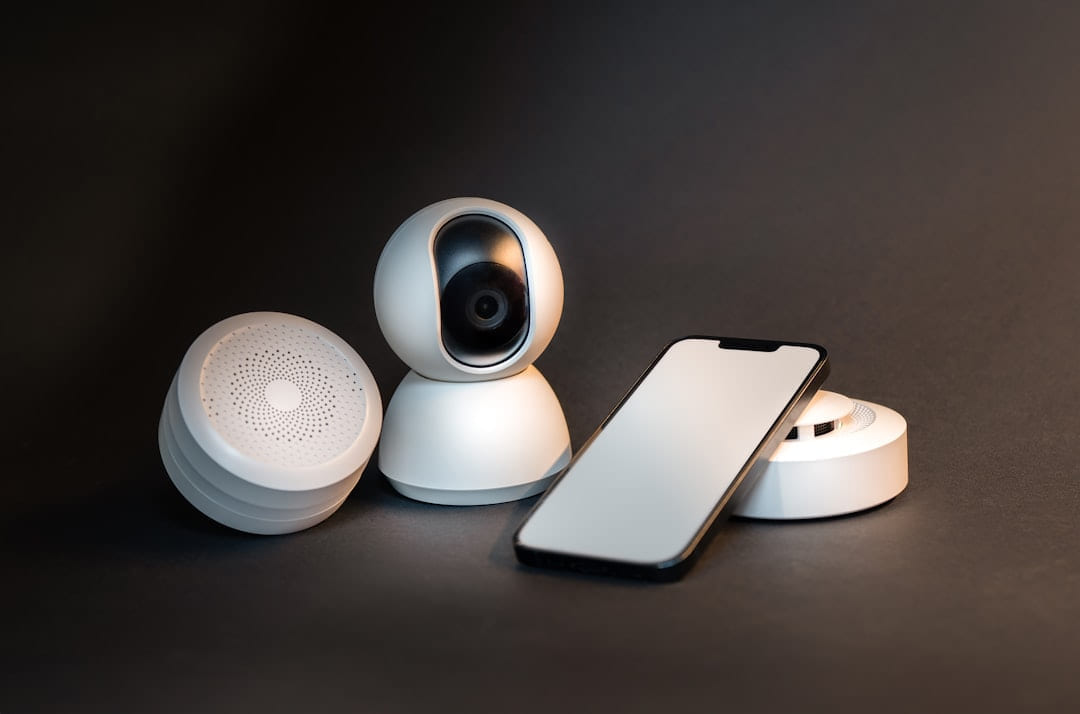
Smart Home Security can be easier to approach when you start with a few practical basics.
- Motion Detectors: These come in various forms. Basic motion detectors are fine for larger areas, but if you have pets, a pet-immune motion detector is a worthwhile investment. These sensors are designed to ignore movement caused by furry friends.
- Smart Cameras: Don’t feel like you need to drop a fortune on high-resolution, feature-packed cameras. Brands like Wyze, Blink, and Eufy offer surprisingly capable cameras for a fraction of the price of the competition. They’re great for deterring potential intruders and providing visual evidence if something does happen.
- A Simple Siren: A loud, audible siren can be a powerful deterrent. It's a quick and effective way to scare off intruders and alert neighbors. The real strength of this layered approach is that if one component fails, you still have others in place to protect you.
Camera Choices in 2026: What’s Worth the Money? (Smart Home Security)
Let’s talk cameras. In 2026, the market is flooded with options, but a few stand out for their value. * Wyze Cam v4: This camera consistently gets rave reviews for its affordability and surprisingly good features. It offers 1080p video, color night vision, and two-way audio - all for around $35. It’s incredibly easy to set up and use, making it a great choice for beginners.
- Blink Outdoor 4 Camera: The Blink system operates on a subscription model, which can be a little tricky to understand. You get a lot of functionality for a reasonable upfront cost, but you’ll need to pay a monthly fee for cloud storage and advanced features. The camera itself is priced competitively at around $60.
- Eufy Security Indoor Cam 2K: If you’re primarily concerned about indoor security, the Eufy offers a compelling alternative to subscription-based systems. It has a 2K resolution, color night vision, and, crucially, local storage. This means you don’t have to pay a monthly fee for cloud storage - you can store footage on a microSD card. It’s currently selling for about $80. When comparing cameras, pay attention to resolution (higher is generally better), night vision quality, field of view (how wide an area the camera can see), and whether it offers local storage options.
DIY Installation & Smart Locks: It’s Easier Than You Think
One of the biggest advantages of building a budget-friendly security system is that you can do most of the installation yourself. Systems like SimpliSafe and Ring Alarm are designed for DIY setup, and the instructions are generally clear and straightforward. You’ll save a significant amount of money compared to hiring a professional installer. Smart locks are another game-changer. Keyless entry is convenient, and the ability to remotely lock and unlock your doors via your smartphone adds an extra layer of security. Basic smart locks typically range in price from $100 to $250. Integrating a smart lock with your security system allows you to create a seamless and automated security experience.
Monitoring: Professional Help or Self-Reliance?
Now, let’s talk about monitoring. You have two main options: professional monitoring services (like SimpliSafe or Ring Protect) or self-monitoring using your smartphone. Professional monitoring services offer 24/7 monitoring, meaning that a trained operator will respond to alarms and dispatch emergency services if needed. This can provide peace of mind, especially if you’re away from home. but it comes with a monthly fee - typically around $10 to $30 per month. Self-monitoring, on the other hand, relies on you to receive alerts on your smartphone and respond to any potential threats. It's free (beyond the cost of your smartphone plan), but it requires you to be vigilant and responsive.
Pick the easiest win first
Most people get better results with Smart Home Security on a Budget when they narrow the decision to one real problem. That could be saving time, trimming cost, reducing friction, or making the routine easier to keep up.
This usually gets easier once you make a short list of priorities. A tighter list tends to produce better decisions than trying to solve every possible problem at once.
Another useful filter is asking what you would still recommend if the budget got tighter, the schedule got busier, or the setup had to be easier for someone else to manage. The answers to that question usually reveal which advice is durable and which advice only works under ideal conditions.
The tradeoff most people notice late
One common mistake with Smart Home Security on a Budget is expecting every option to solve the whole problem. In reality, some choices are better for convenience, some for reliability, and some simply for keeping the budget under control.
Before spending more, it is worth checking the setup, upkeep, and learning curve. Small hassles matter here because they are usually what decide whether something stays useful or gets ignored.
It is easy to underestimate how much clarity comes from removing one unnecessary layer. In practice, trimming one complication often does more for Smart Home Security on a Budget than adding one more feature, one more product, or one more clever workaround.
What makes this easier to live with
The options that age well are usually the ones that are easy to repeat. Reliability and low hassle often matter more than the most impressive-looking feature list.
In a topic like Budget smart home gadgets, manageable almost always beats impressive. If something is simple enough to keep using, it is usually doing more real work for you.
Readers usually get better results when they treat advice as something to test and refine, not something to obey perfectly. That mindset creates room for real judgment, which is often the difference between content that sounds smart and guidance that is actually useful.
How to avoid extra hassle
When you are deciding what to do next, aim for the option that reduces friction and gives you a clearer read on what matters most. That is usually how Smart Home Security on a Budget becomes more useful instead of more complicated.
Leave a little room to adjust as you go. A setup that works in one budget range, season, or routine might need a small change later, and that is usually normal rather than a sign you got it wrong.
If this topic still feels crowded or overcomplicated, that is usually a sign to narrow the decision, not a sign that you need more noise. One careful adjustment, followed by honest observation, tends to teach more than another round of abstract tips.
Keep This Practical
Smart-home decisions get easier when you solve one friction point at a time. Start with the device or routine that would save you the most hassle this week, then expand only after it proves useful.
Tools Worth A Look
If you are trying to make a home-tech decision with less guesswork, the products below are the closest fit for that goal.
- GHome Smart Plug Mini, WiFi Smart Outlet Plug Works with Alexa and Google Home, Timer Outlet with APP Control, 2.4GHz Network Only, No Hub RequiredSURI 1.0 Sonic Electric Toothbrush with UV Cleaning Travel Case30A Heavy Duty WiFi Wireless Smart Switch with Energy MonitoringMinoston Smart PlugPEICHENG Speaker, Portable Wireless Bluetooth Speakers, Waterproof Loud Stereo Sound with RGB Lights TWS Paire Long Playtime for Home/Party/Outdoor, Electronic
Some of the links on this page are Amazon affiliate links, which means I may earn a small commission if you make a purchase through them. As an Amazon Associate, I earn from qualifying purchases.
Related ReadingMore from Affordable Smart Living
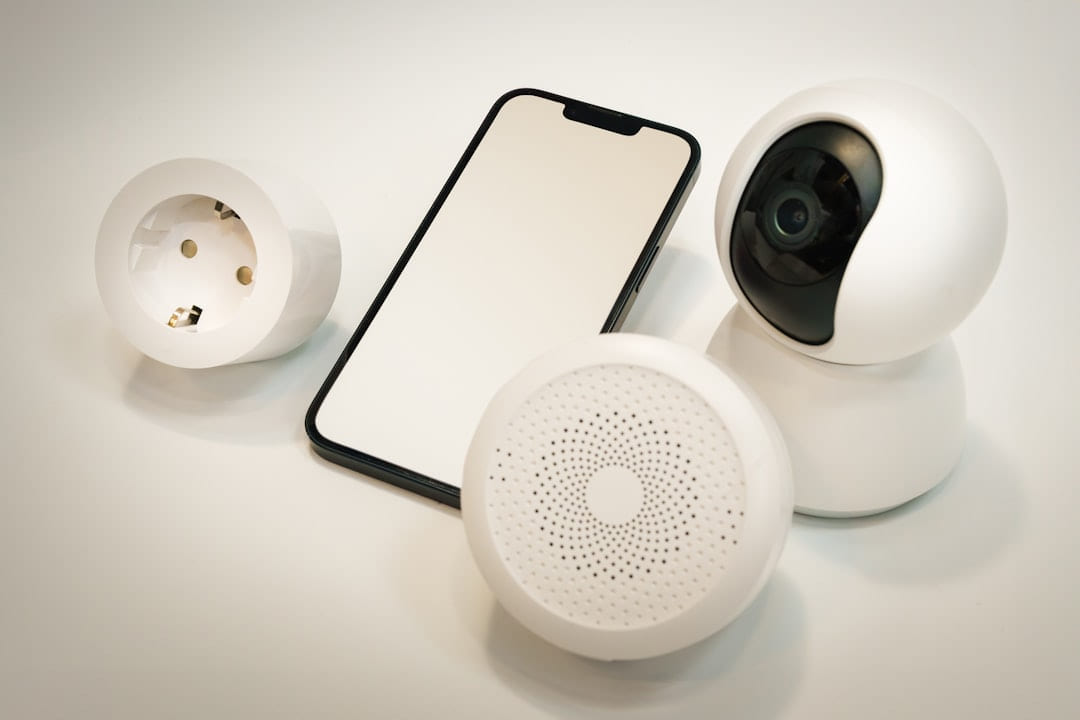
Smart Security: Budget Choices Explained
Budget-Friendly Security Systems vs Alternatives - Affordable Smart Living Budget-Friendly Security Systems vs Alternatives: Protecting Your Home Without Breaking.
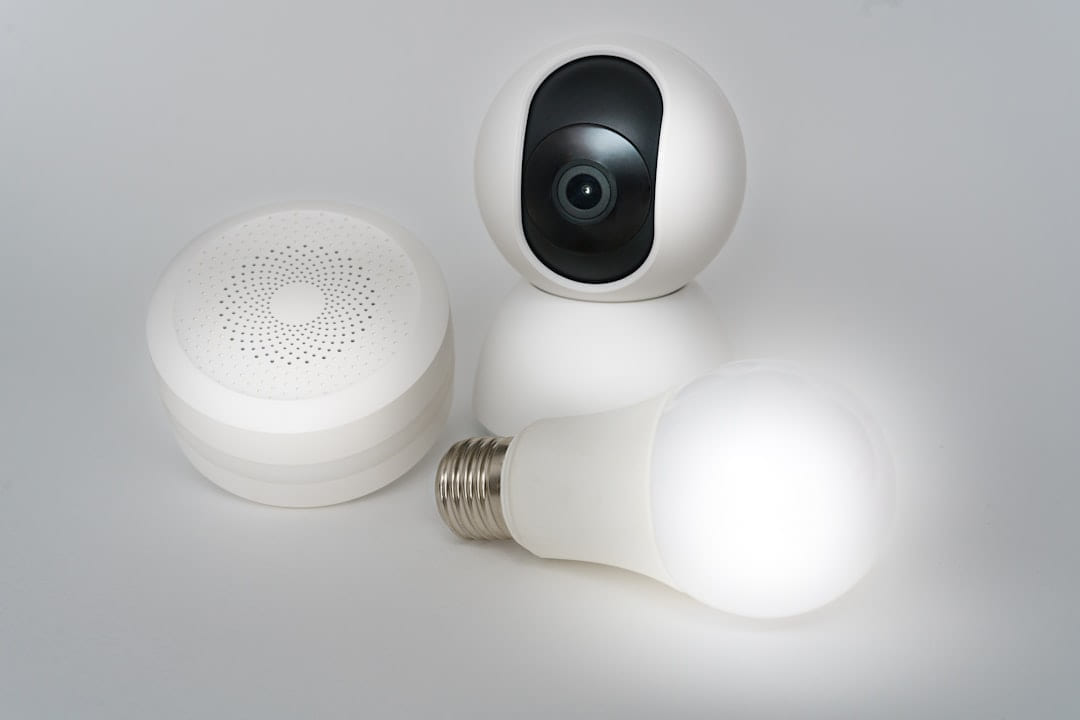
Troubleshooting Your Budget Security System
Another easy trap is copying a setup that made sense for someone with a different routine, budget, or tolerance for maintenance. In Budget smart home gadgets.
Protecting Your Home on a Budget
The options that age well are usually the ones that are easy to repeat. Reliability and low hassle often matter more than the most impressive-looking feature list.